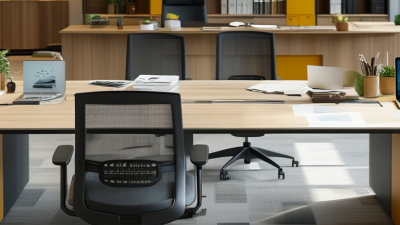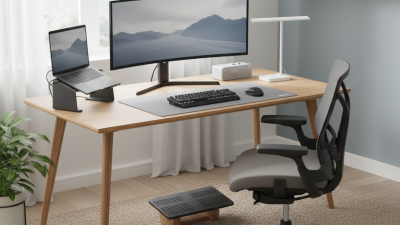
How to Choose the Best Desks From a Wide Range?

Choosing a desk from a wide selection is not just a style decision. The right choice should fit your room, daily tasks, and working posture. A desk that looks spacious online may leave little room for a keyboard, notebook, and mug once it arrives. Measure the available floor space, then check the desktop dimensions and legroom. Small details matter.

Cornell ergonomics expert Alan Hedge is often associated with this useful reminder: “The best posture is always your next posture.” It points to a practical lesson: comfort depends on movement, not just a desk’s appearance. Consider an adjustable-height model if you alternate between sitting and standing. For a fixed desk, check whether its height works with your chair and allows your shoulders to relax while typing. Stability matters, too. A monitor that wobbles with every keystroke gets old quickly.

When comparing the range desks, look beyond price and color. Check the materials, assembly requirements, storage layout, and return terms. Think about what you actually keep on the surface. A shallow drawer may suit a laptop setup but frustrate someone storing paper files. And be honest about your habits: a cable tray will not magically tame a tangle if you never use it. The best desk is rarely the most impressive one in a product photo. It is the one that supports your work comfortably, fits your space, and still feels sensible after an ordinary, busy week.
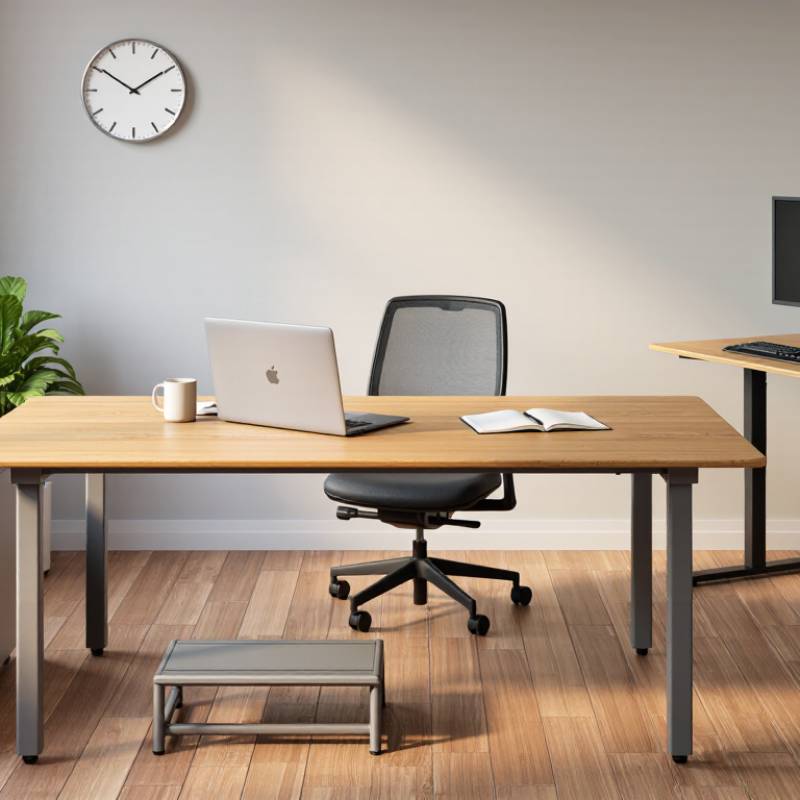
How to Choose the Best Desks From a Wide Range?

Define Your Work Needs, Available Space, and Intended Desk Use

Before comparing desks, write down what actually happens during a workday. A laptop and notebook need less surface than two monitors, reference books, and a drawing pad. Measure the items you use together, not just the largest one. Note tasks that need clear space, such as spreading out plans or sorting paperwork. Start with reality. Appearance matters, but it cannot make an undersized work surface comfortable. Cable clutter is easy to underestimate; chargers and adapters can quickly occupy the corner you planned to keep clear.

Measure the room and record wall length, desk depth, door swings, window positions, and outlet locations. Leave enough room to pull out a chair and walk past it without turning sideways. In a small room, a shallow desk may preserve circulation, but check that your screen can still sit at a comfortable distance. In a shared space, consider noise, privacy, and whether drawers might block a heater or storage unit. Recheck measurements around skirting boards. Small oversights happen.

Think about who will use the desk and for how long. A child doing short homework sessions may need a different setup from someone working full days with a keyboard and monitor. Adjustable height can suit multiple users, while a stable surface helps with typing and writing. If possible, test legroom, edge comfort, and storage access in person. A desk can fit the room but still clash with your routine. That difference is worth considering.

How to Choose the Best Desk From a Wide Range

Define your work needs, available space, and intended desk use. These typical width ranges offer a practical starting point; check your room measurements and equipment before choosing.

Quick guide: A compact laptop setup may fit a 100–120 cm desk, while multiple monitors or shared work usually call for more width. Leave enough room to move around the desk and accommodate your chair.

Measure the Room and Set Practical Size Requirements

Measure the room before comparing desk styles. Record wall length, doorway width, window position, and the space needed to pull out your chair. Mark the proposed desk footprint with masking tape; walk around it and open nearby drawers. Small obstructions matter. A desk that fits on paper may block a closet or crowd a radiator.

Set your maximum width and depth from those measurements, then check daily-use items against the surface. Leave room for a monitor, keyboard, notebook, and a drink without stacking them at the edge. OSHA’s Computer Workstations eTool recommends keeping a monitor about 20–40 inches from the eyes, a useful check when judging desk depth. Cornell University’s ergonomics guidance also stresses fitting the workstation to the user, rather than relying on one ideal size.

These are setup guides, not guarantees: body size, screen dimensions, and task habits vary. I’ve found a quick tape outline helpful, though it can still miss how a chair swings or how sunlight falls across the work area. Recheck the room at the time you usually work.

Compare Desk Types, Materials, Storage, and Adjustability

Choosing a desk starts with the work it must support. A compact writing desk suits a laptop and notebook, while a computer desk needs room for a monitor, keyboard, and cables. Measure the available floor space before shopping. Leave enough clearance to pull out a chair. For shared rooms, a narrow top can help, but it may feel cramped once papers accumulate.

Materials affect weight, upkeep, and feel. Solid wood is sturdy but can be heavy; laminate is easier to wipe and often costs less. Check edge joints and frame stability, not just the surface. Storage matters too. A shallow drawer keeps pens nearby, while a file cabinet needs space to open fully. More storage is not always better. It can crowd a small room.

Adjustability deserves a practical test. The 2018 Cochrane review of workplace interventions found sit-stand desks reduced daily workplace sitting by about 100 minutes in short-term studies, and 57 minutes in medium-term studies. The authors noted the evidence was limited, so treat those figures as guidance, not a promise. Set the desk so your elbows rest near a right angle and your screen sits comfortably in view. If possible, test the controls and check whether the frame wobbles at standing height. I would not choose a desk by adjustment range alone; a noisy motor or awkward cable setup can make frequent changes less appealing.

Evaluate Ergonomics, Stability, and Build Quality

How to Choose the Best Desks From a Wide Range?

Evaluate Ergonomics, Stability, and Build Quality

A good desk should fit the person using it, not just the room. Set its height so your shoulders stay relaxed and your forearms rest near level while typing. Leave enough depth for a monitor at a comfortable viewing distance, with space for a keyboard and mouse.

The World Health Organization estimates that 1.71 billion people live with musculoskeletal conditions worldwide. That figure does not mean a desk prevents injury, but it shows why daily comfort deserves attention.

Check stability with a practical test. Place your hands on the front corners and apply gentle pressure; noticeable rocking can become distracting during writing or video calls. Look underneath, too. A rigid frame, secure joints, and adjustable feet help the desk stay steady on uneven floors. ANSI/BIFMA’s X5.5 standard includes strength and stability tests for desk products, so ask whether a model has been tested to that standard. Details matter.

Inspect the finish and moving parts. Edges should feel smooth, panels should sit flush, and height controls should move without catching. If possible, test the desk with your actual monitor and chair. A showroom check is imperfect; different floors and body proportions change the experience. I might overlook a small wobble at first. Daily use makes it harder to ignore.

Match Your Shortlist to Budget, Assembly, and Maintenance Needs

A desk’s price tag is only part of its cost. Compare shortlisted desks by adding delivery, assembly tools, and any replacement parts you may need. Set a firm budget, but leave a little room for a cable tray or floor protectors. Small costs add up.

Check what assembly actually involves. A flat-pack desk may fit your budget, yet require two people, a drill, and a clear afternoon. Read the instructions before buying if they are available, and check whether the desk can pass through your doorway. Don’t assume “easy assembly” means quick. A wobbly top is frustrating.

Maintenance depends on the surface and your routine. A damp microfiber cloth is often suitable for everyday dust on many finished surfaces, but follow the care guidance for the specific material. Keep drinks on coasters, and check that screws remain snug after the first few weeks. That matters. It is easy to focus on appearance and overlook upkeep; I might still choose a desk that needs more care if its size and price fit, but that trade-off should be deliberate.

How to Choose the Best Desks From a Wide Range? — Match Your Shortlist to Budget, Assembly, and Maintenance Needs

Typical U.S. price and assembly estimates for common desk types. Actual costs and setup times vary by size, materials, features, and seller.
Desk Type Typical Price Range (USD) Typical Assembly Time Maintenance Needs Best Match For What to Check Before Buying
Basic Writing Desk $50–$180 30–60 minutes Dust regularly; wipe laminate surfaces with a soft, slightly damp cloth. Avoid abrasive cleaners. Small rooms, occasional computer use, and buyers prioritizing a low upfront cost. Desktop dimensions, weight capacity, leg stability, and whether tools are included.
Compact Computer Desk $80–$250 45–90 minutes Keep the work surface dry; check screws and drawer runners periodically. Home offices with limited floor space and everyday laptop or monitor use. Available legroom, cable openings, monitor depth, and storage clearance.
Manual Height-Adjustable Desk $150–$450 60–120 minutes Keep adjustment mechanisms free of dust; follow the maker’s guidance for tightening and lubrication. People who want to alternate sitting and standing without an electric motor. Adjustment range, lifting method, frame stability, and the combined weight limit.
Electric Standing Desk $250–$900 60–150 minutes Keep the frame and control panel clean; inspect cables and fasteners and follow motor care instructions. Frequent sit-stand changes and users who prefer powered height adjustment. Height range, lifting capacity, noise level, anti-collision features, and warranty coverage.
L-Shaped Desk $150–$600 90–180 minutes Clean according to the surface material; periodically check corner connectors and support brackets. Users needing a broad work area for multiple monitors, paperwork, or separate work zones. Room dimensions, left- or right-hand configuration, delivery access, and assembly space.
Solid-Wood Desk $300–$1,500+ 30–120 minutes; some models arrive mostly assembled Protect from standing water, direct heat, and prolonged sunlight; use a finish-appropriate cleaner. Buyers seeking a substantial desk with a natural wood surface and long-term use in mind. Wood species, finish, construction, weight, care instructions, and return or delivery terms.
Office Desk with Drawers $120–$500 60–150 minutes Keep drawer tracks clear; avoid overloading drawers and tighten hardware when needed. People who need built-in storage for documents, stationery, or office equipment. Drawer dimensions, full-extension access, anti-tip hardware, and usable knee space.

Quick selection tip: Compare the total cost, including delivery and any assembly service, then confirm that the desk fits your room, equipment, and daily maintenance preferences.

We have the largest selection of new, remanufactured and quality pre-owned office furniture in the tri-state area.  We ship nationwide with regular deliveries to Pittsburgh, Erie, Uniontown, Washington, Akron, Cleveland, Beckley, Charleston, Clarksburg, Huntington, Morgantown, Parkersburg, Wheeling, Ashland, Ironton, and Lexington.

PITTSBURGH, PA

Showroom & Corporate Offices
1 Sexton Road
Pittsburgh, PA 15136

Local: (412) 771-0760
Fax: (412) 771-0764

WHEELING, WV

By Appointment Only
Local: (304) 232-0727

CHARLESTON, WV

Showroom
125 Lakeview Drive, Suite G
Cross Lanes, WV 25313

Local: (304) 345-3773
Fax: (681) 265-9039

MORGANTOWN, WV

By Appointment Only
Local: (304) 381-9119

HOURS OF OPERATION:

MONDAY-FRIDAY: 9am-5pm
SATURDAY: By Appointment